Admin track overview
Signing in & your team
Open your Portal URL and sign in with the account your NAVI admin created. The left sidebar is your map — it's grouped exactly like this guide's Admin track. The partner switcher and usage meter live in the top bar.
Under Team, admins invite teammates and assign each a role (see Roles & access). Removing someone revokes their access immediately.
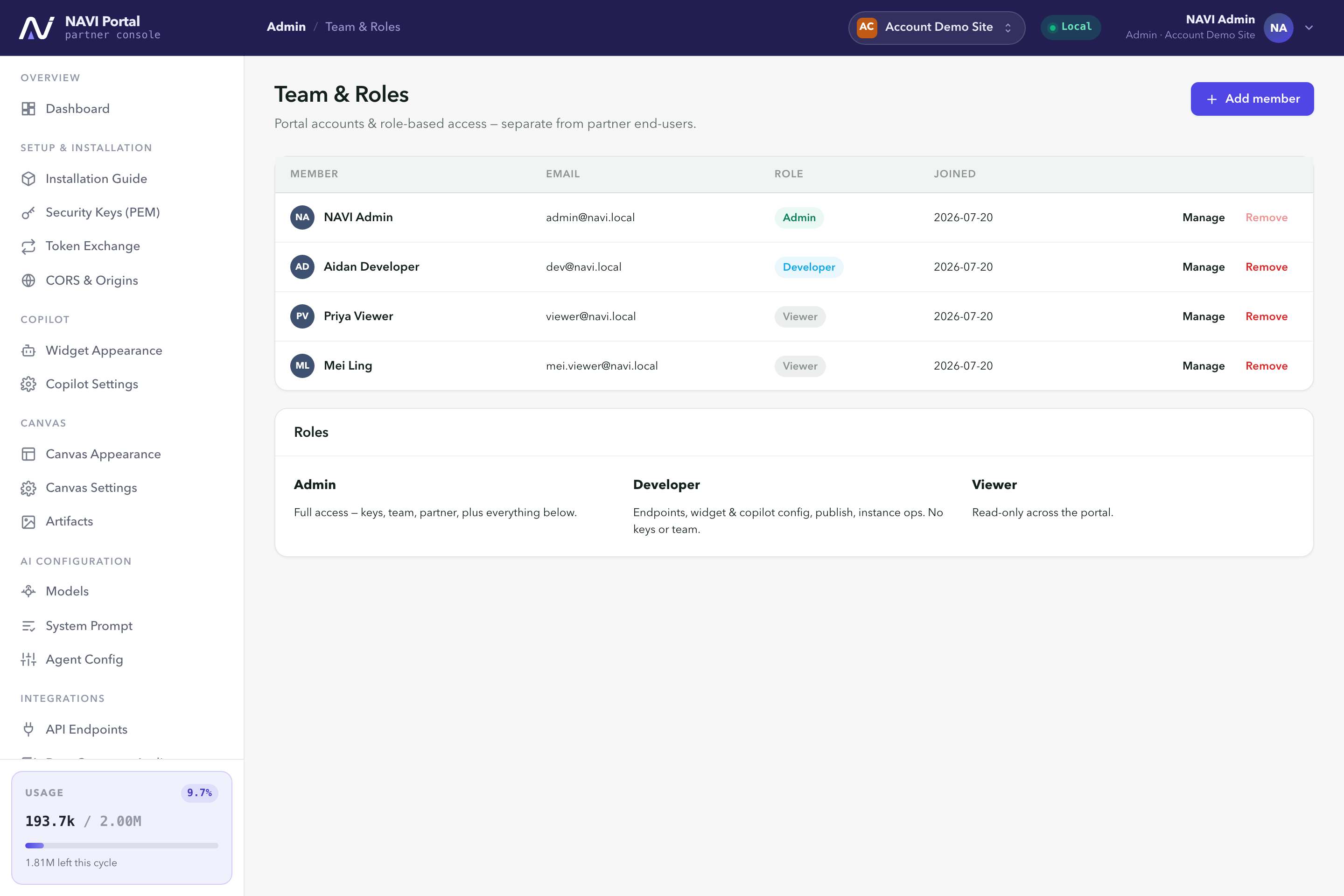
Team Members and their roles. Access is provisioned here, not self-signup.