Developer track overview
Step 3 · Add the snippet
Pass the token to the browser as window.NAVI_BOOT, then load the loader script. That's the whole copilot install — the loader injects the widget iframe, performs the postMessage handshake, and forwards the token. No application code changes.
html
<!-- NAVI copilot widget -->
<script>
  // short-lived RS256 JWT your backend signed at page render
  window.NAVI_BOOT = { token: "<signed-jwt>" };
</script>
<script src="https://cdn.your-navi-host/loader.js"
        data-navi-client="your-slug" async></script>
To add Canvas to a page, drop one mount element where you want the workspace. The loader detects it and builds the iframe itself — you don't hand-write an iframe. A data-artifact value deep-links straight to one artifact.
html
<div data-navi-canvas data-artifact=""></div>
The Portal's Installation Guide shows these same snippets pre-filled with your host and slug, each with a copy button — that's the canonical source for your exact values.
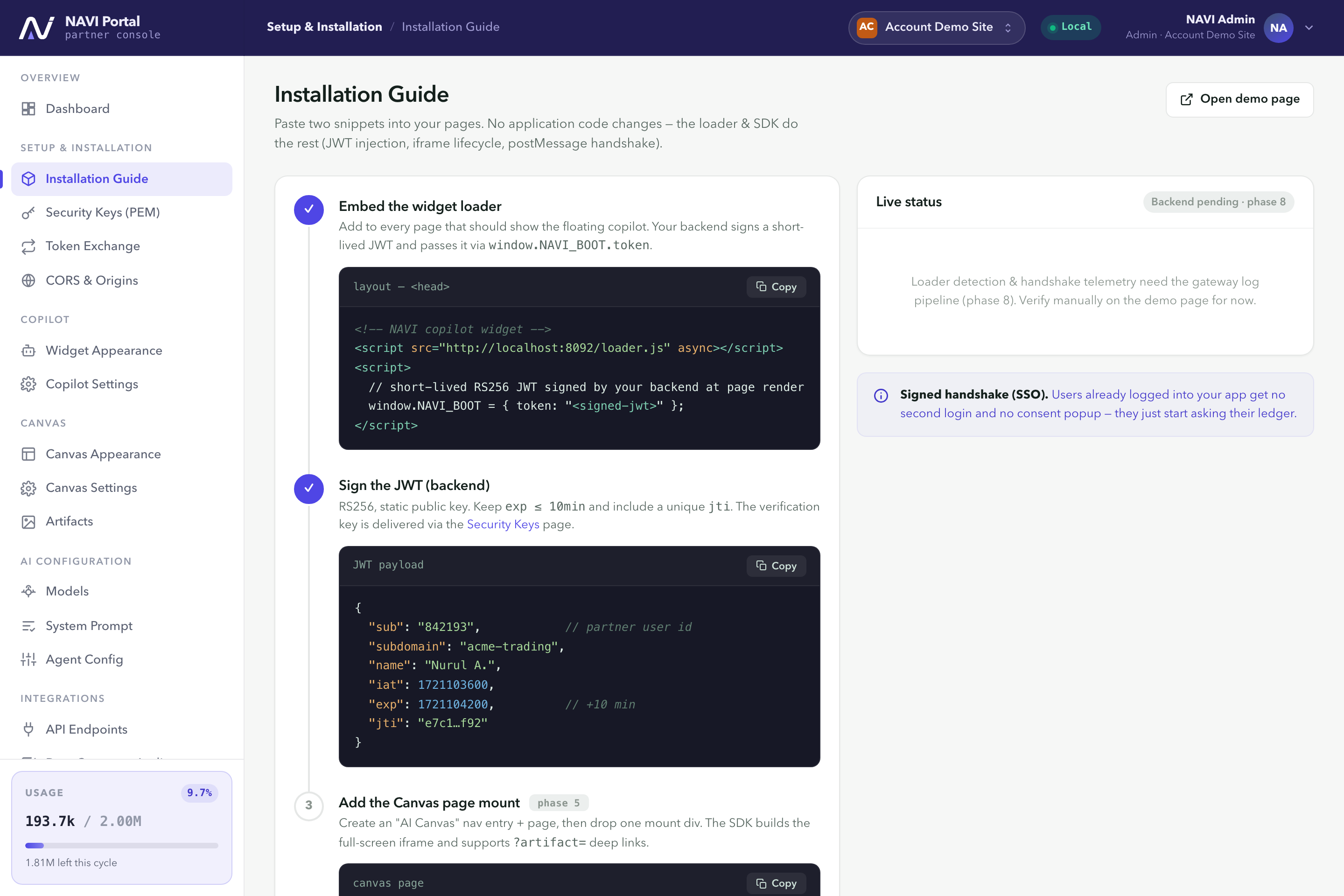
Installation Guide. Your snippets pre-filled and copy-ready.